
How to Sell an Online Course in 2026

Estimated reading time: 12 minutes
Rapid Fire Questions
Yes. WooCommerce can sell online courses by creating products that unlock course pages or videos after purchase. You can sell one-time access, subscriptions, bundles, or memberships. When combined with WpStream, WooCommerce becomes the payment and access system for your course.
You can sell an online course on your own website by using WordPress with a theme, WooCommerce, and WpStream. WooCommerce handles payments and orders. WpStream controls who can access lessons. This setup lets creators keep full control over pricing, content, and customer data.
Follow along with this guide on the full setup – Site, Theme, WooCommerce Store, and WpStream

Selling a course online can sound easy. A teacher records lessons and waits for sales. Real life is often much messier. People buy when the course feels clear, safe, and worth the time.
The site has to work every day, even when the teacher is tired. This article explains how to sell an online course that builds trust and supports real learning.
A strong setup can live on a WordPress site, not only on a big course marketplace like Udemy, Coursera, or FutureLearn.
A theme controls the look. Plugins add tools for checkout, member access, and video pages. That mix can turn a blog into a course home with clear pages and steady rules.
Starting with a clear offer
A course is a promise, not a folder of videos, live streams, or text documents. The promise should say what a student can do after finishing. Clear goals keep lessons tight and keep the sales page simple. Many course guides stress learning goals because they shape both content and marketing.
A marketplace can bring built-in traffic, yet it often controls the page layout and the buyer relationship. A WordPress site can keep the brand and follow-up in one place. That control helps when the course needs live sessions, a member library, or special access rules.
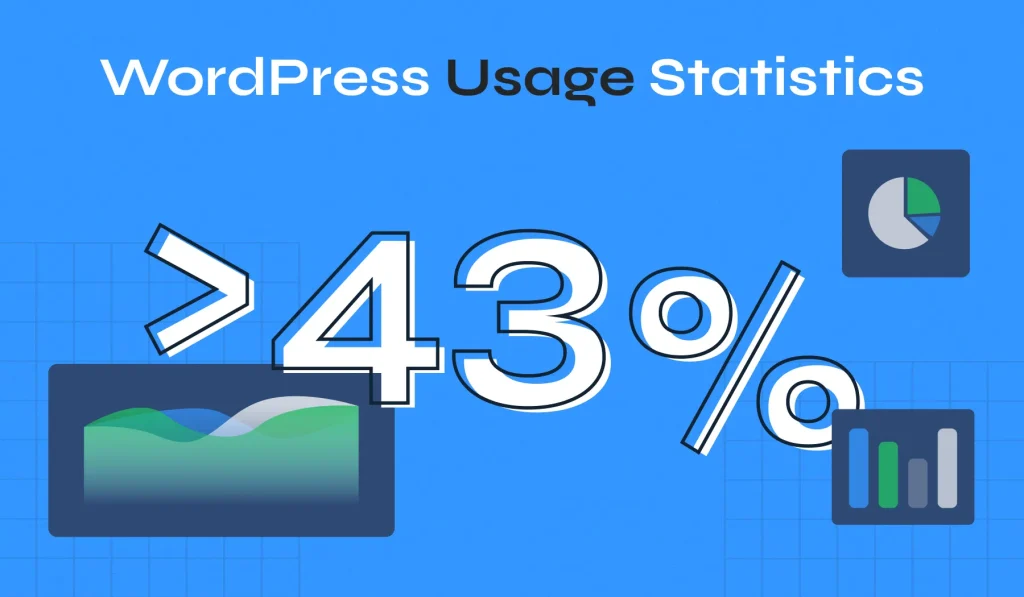
A helpful data point shows how common WordPress is. WPZoom reports that WordPress powers about 42.8% of all websites. That wide use makes it easier to find themes, plugins, and support. Even free options!
Picking a relevant topic
A strong topic sits where two things meet: real skill and real demand. The teacher should know the topic well enough to show real examples. Buyers often want a change they can measure, like a job skill, a certificate, or a clear before-and-after result.
Demand can be checked before recording a full library. Tools from Google, like Trends and Keyword Planner, can show interest over time and related keyword ideas. They do not pick a topic on their own, yet they can warn a creator when few people are searching for the problem.
Competitor research can also guide the offer. A creator can review other courses to note the promise, the lesson list, and the support included. The goal is to spot gaps, then teach one result more clearly. Community threads often push platform talk, yet the offer still has to feel specific.
A short story shows why focus helps sales. A creator once built a wide course called “Social Media Basics.” The training was fine, yet buyers could not picture a result. The offer later shifted to a single, clear goal for a specific group, making the course easier to explain on the sales page. Guides also point to niche topics as a way to stand out.
For example – Instead of offering a course about helping people look for a new job, look into creating a course for improving their CVs, another course about where to find new job directories, and another course on Perfecting a cover letter.
Testing before building a full course
Course creators can learn a lot by listening before building. eLearning Industry suggests spending time in forums where target learners talk. Those places show what people tried, what failed, and what they fear wasting money on. The same words can shape lesson titles and sales copy. The most popular forum would be Reddit, where people often hang out and talk about things they’re interested in or things they find difficult to do/achieve.
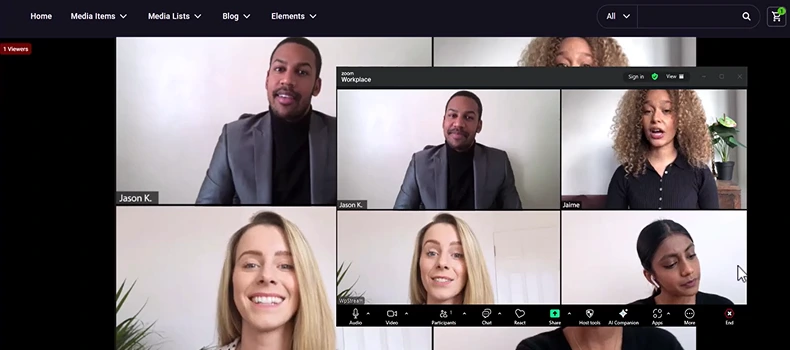
A short “seed” run can test the promise fast (A seed launch is the initial testing phase of a piece of content). This can be a live workshop, a small group, or a mini course with one homework task. The goal is to prove that learners want the result and can follow the teaching style.
Early feedback should do more than flatter. Reviews can act like a quality check. They can point out where students got stuck, what felt too fast, and what lessons should be shorter. That feedback helps later students feel a clearer path from lesson to lesson.

Planning lessons
Good courses start with clear learning goals. Wix explains that goals help students stay motivated and understand what they will achieve. Goals also help the creator cut lessons that do not serve the main result.
An outline turns goals into a teaching plan. Common parts of an outline include goals, modules, lessons, homework, quick tests, and resources. A clear outline also makes it easier to build pages on the site, since each module can map to a page or lesson.
Format should match the result. Some skills work with self-paced video. Other skills need feedback and live help.
A creator once ran a self-paced course on a practice-heavy skill and got many “Is this right?” messages. Switching to a mixed format with weekly live check-ins cut confusion and raised completion. Activities such as videos, quizzes, exercises, and feedback help keep learners active.
Similar articles
Making content without burning out
The best content meets learners where they are. eLearning Industry warns that material can fail when it is too hard or too basic for the target group. A beginner course should explain terms and show quick wins. An advanced course can move faster and use harder tasks.
A repeatable work pattern saves time. Many creators script lightly, record in batches, then edit into short lessons. Short lessons are easier to finish and update later. Structured modules and digestible sections make learning feel manageable.
Practice turns watching into a real skill. A course can add tiny tasks, checklists, and quick quizzes. For a WordPress site, a learning plugin can organize lessons, while the theme keeps pages clean and easy to read.

Building a WordPress setup that can sell
WordPress is built to stay lean, and plugins add what the site needs. The WordPress docs describe plugins as a way to add features, while themes control colors, fonts, and layout. This split helps keep the site organized as new course tools get added.
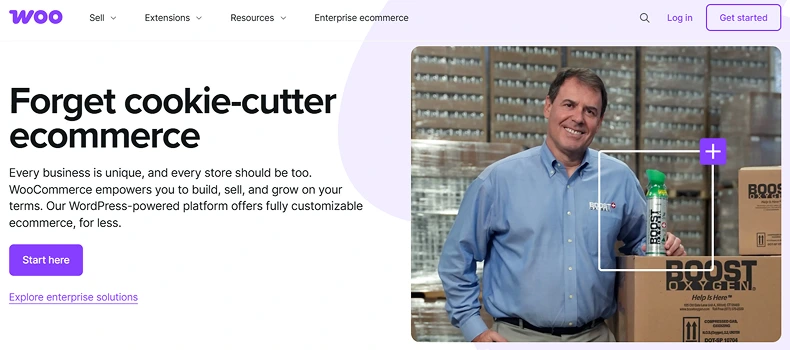
Selling a WordPress course often starts with WooCommerce. WooCommerce supports “virtual” and “downloadable” products, which fit items that are not shipped. This can sell digital files, tickets, or course access. If you also add WpStream, you can sell live streams and videos.
Member access is a trust builder because buyers want to know that the content stays private. WooCommerce Memberships can restrict posts and pages so that only members can view them. It can grant access via product purchase and pair with WooCommerce Subscriptions for repeat-pay access to a member library.
A quick cautionary story shows why ownership matters.
A creator sold courses on a marketplace for years, then a platform change cut traffic. There was no email list and no easy way to invite past students to a new live class. A WordPress site does not remove all risk, yet it lets the owner keep customer records and build long-term channels like email.
Pricing, launch, and early sales
How to sell an online course starts with pricing. A low price can signal low value, especially for a course tied to work or income. A fair price matches the result, the support offered, and how clear the path feels. Forum threads show many new creators feel stuck on pricing, which is why testing early helps.
A useful stat helps explain why structure and support matter. A study of 221 MOOCs found completion rates from 0.7% to 52.1%, with a middle rate of 12.6% using the common method. Many learners quit when the path feels lonely or unclear. A paid course can do better when it guides practice and provides support on purpose.
A launch can start small and still build strong proof. A seed launch can use limited seats and a lower early price to get the topic into real hands. Early wins can become case studies and testimonials on the course site. Seed launches and buyer journey planning are part of selling online courses.
Leads can cool off fast, so response time matters. A course site should treat emails and form requests as time-sensitive.

Marketing and retention
How to sell an online course often starts by helping in public. eLearning Industry recommends being where learners talk, then shaping the offer around real needs. That can mean short blog posts, short videos, and useful answers that learners already spend time on.
Email is a strong way to sell the course and support students. Litmus reports a return between $10 and $36 for every $1 spent on email. Email can also support learning by sending reminders, homework notes, and “what to do next” nudges.
Retention starts with onboarding. A “start here” lesson, a weekly plan, and clear links can cut confusion and refunds. Wix points to gathering feedback and building a learning community as part of running a course. Even a small community space can help students stay active and finish.
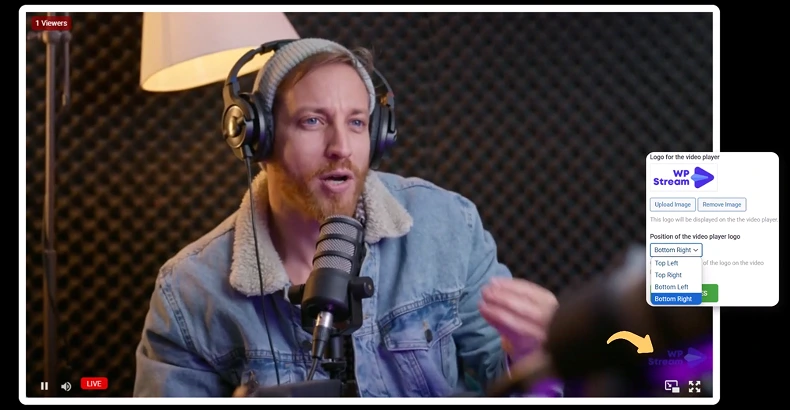
Many course guides still skip live teaching as a trust tool. Live sessions showcase the teacher’s style and provide quick answers, which can boost confidence before a purchase. WpStream can run live video on a WordPress site, record it, and turn it into video-on-demand. Its documentation also shows how it can pair with WooCommerce Subscriptions to run members-only live streams.

WpStream and WooCommerce
WpStream adds live video and replays to a WordPress site. WooCommerce sells access, so a live class and replay sit behind checkout on the site. Recurring access can run with WooCommerce Subscriptions. WooCommerce Memberships can lock pages.
WpStream links video to the store with WooCommerce products. In product data, WpStream can set an item as a Live Channel or a Video-On-Demand. This supports common pricing models for course sales: one-time sales, tickets, bundles, pay-per-view, and subscriptions.
A site owner can publish a watch page, then test payment-to-playback. Player settings like “Record Live Stream” can save a replay, and “Lock to Website” can block embeds. Streaming uses bandwidth, so hosting limits matter. If a stream stays offline, the key, channel status, cache, or plugin conflicts are common causes.
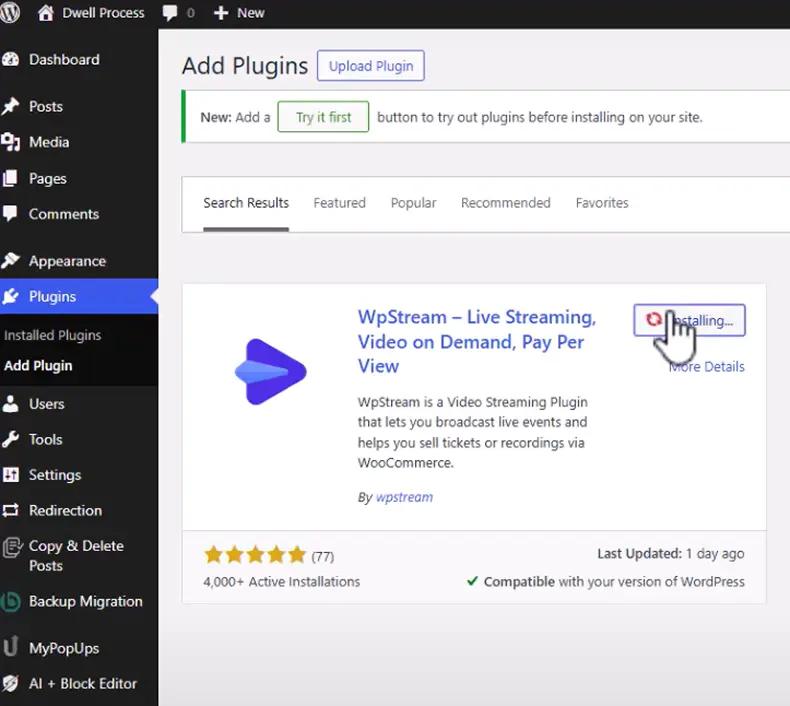
Setup steps:
- Install WpStream+WooCommerce; add Subscriptions/Memberships, then set prices.
- Connect WpStream; copy server+stream key into OBS, and run a test stream.
- Create the ‘LIVE’ or ‘On-Demand’ product, lock the watch page, and test in a private browser for a test buy.
Quick tips:
- If payment works but “no access” shows, check the membership rule tied to the product.
- Run a short private test stream before launch day, on the same page.
Final thoughts
Selling an online course is about building something clear, useful, and easy to access. When learners understand what they will gain, trust the site, and feel supported, sales follow.
Creators who own their platform stay in control. A WordPress site with the right theme and plugins can handle pages, payments, access rules, and video delivery in one place. That setup removes many points of friction for both the creator and the student.
Live teaching, replays, and on-demand lessons work best when they live together. When WooCommerce controls who can watch and WpStream handles video, courses become simple to sell and simple to run. The result is a learning experience that feels organized, reliable, and built for growth.
A course does not need to start big. It needs to start for real. Test ideas, listen to learners, improve each step, and build on a system that belongs to the creator. That path gives creators a steady way to sell an online course and grow a business on their own terms.
Table of Content